
01
RushRoot GOLD
Premium Supplements
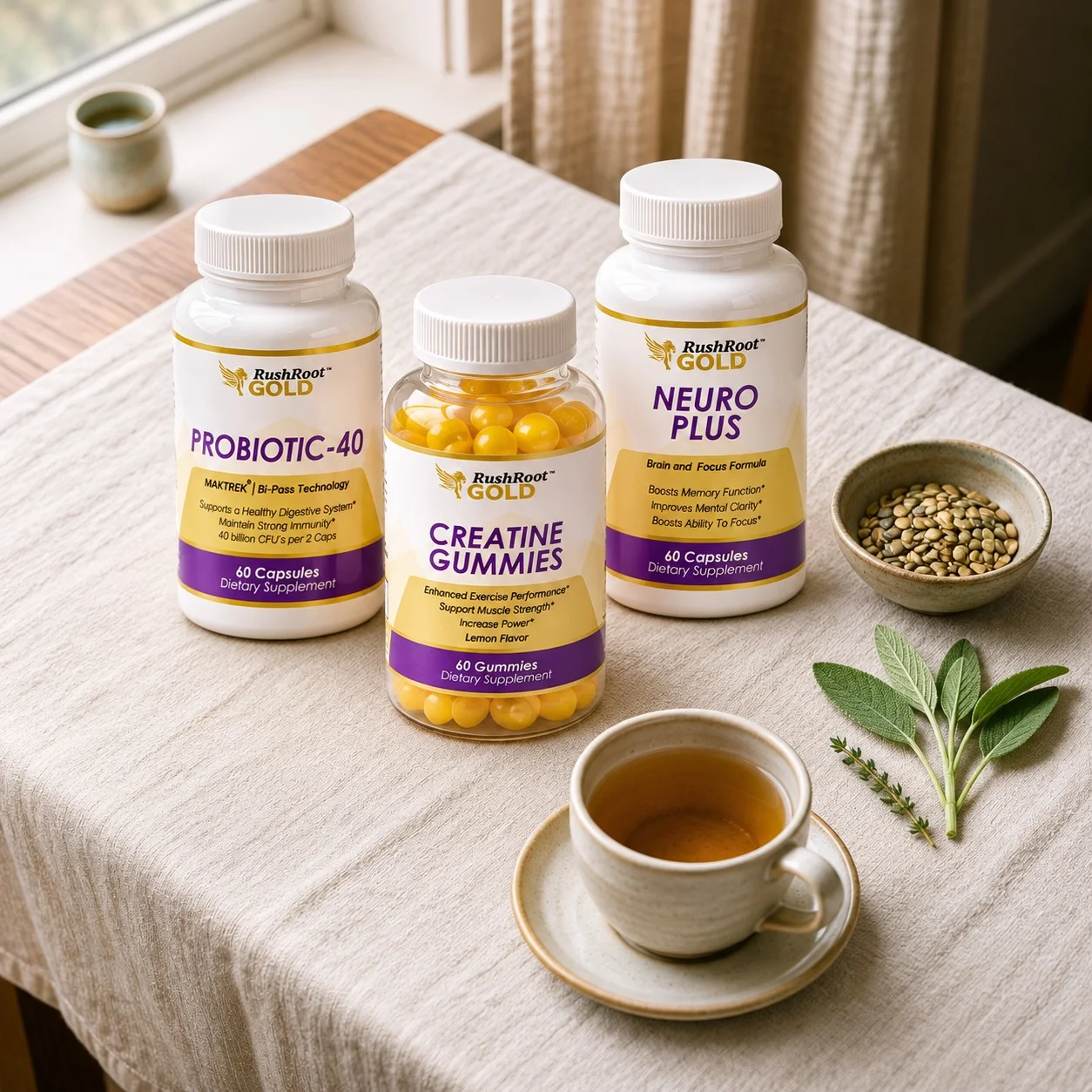
RushRoot GOLD is our dedicated premium supplement brand, with its own independent online store. Visit it to explore the range and shop directly.
Our Ecosystem
RushRoot is not a store. It is the home of a family of brands, tools, and knowledge, each with its own dedicated destination, all working toward healthier, stronger, more independent lives.
01
Premium Supplements
RushRoot GOLD is our dedicated premium supplement brand, with its own independent online store. Visit it to explore the range and shop directly.
02
AI-Powered Wellness Tools
All-in-one nutrition, fitness and guided wellness, in one web app.
03
Knowledge for Better Choices
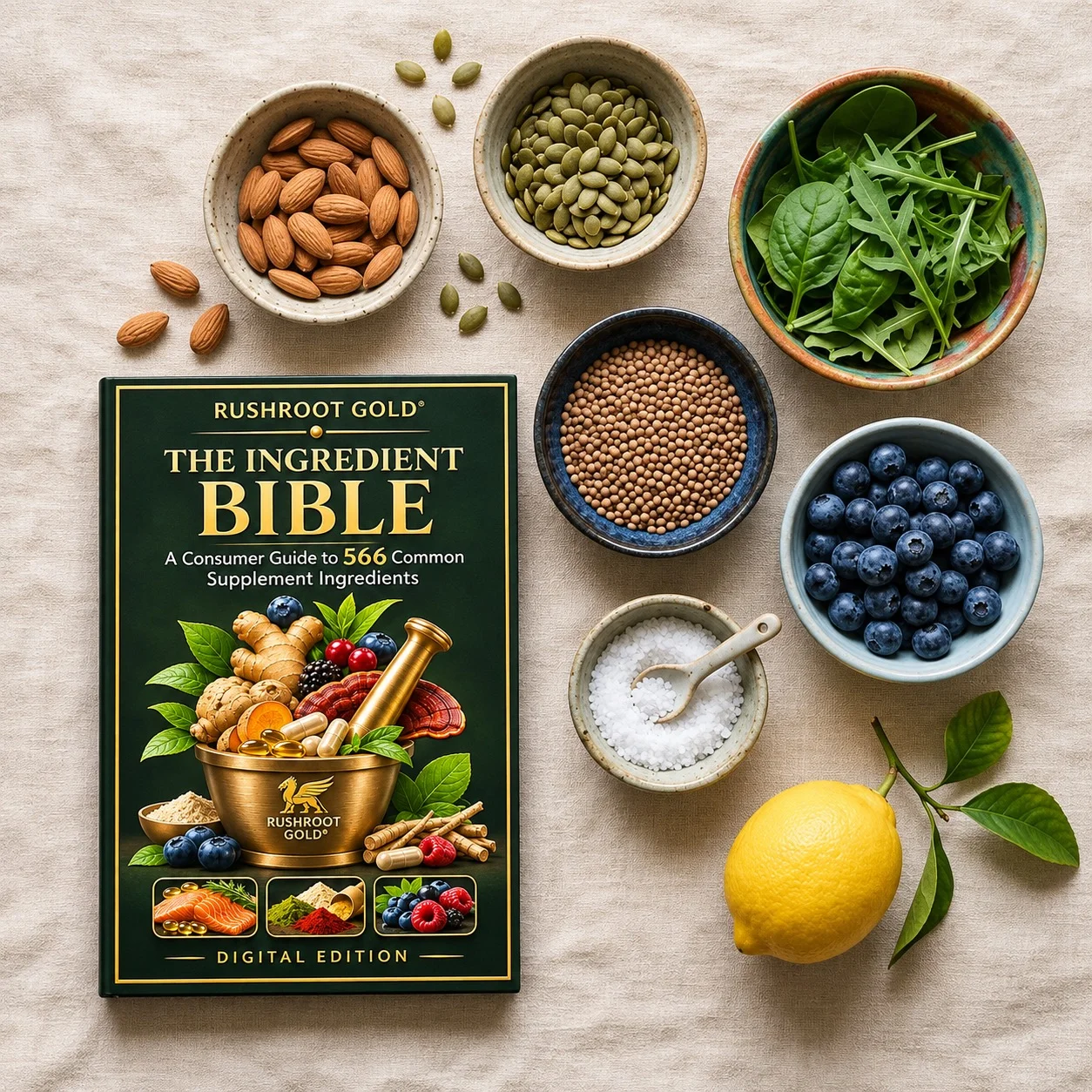
The RushRoot GOLD Ingredient Bible is our free 566-ingredient digital reference. Every entry explains an ingredient in plain language, with balanced research snapshots, its supplement category and related RushRoot GOLD products where applicable.

04
Practical AI Training for Business
Wellbeing includes the working day. AIReady, built by RushRoot Health Products USA, helps solo owners and business teams adopt AI in a practical, structured way, designed to reduce repetitive work, operational confusion and unnecessary pressure.
RushRoot GOLD Fitness & Health App
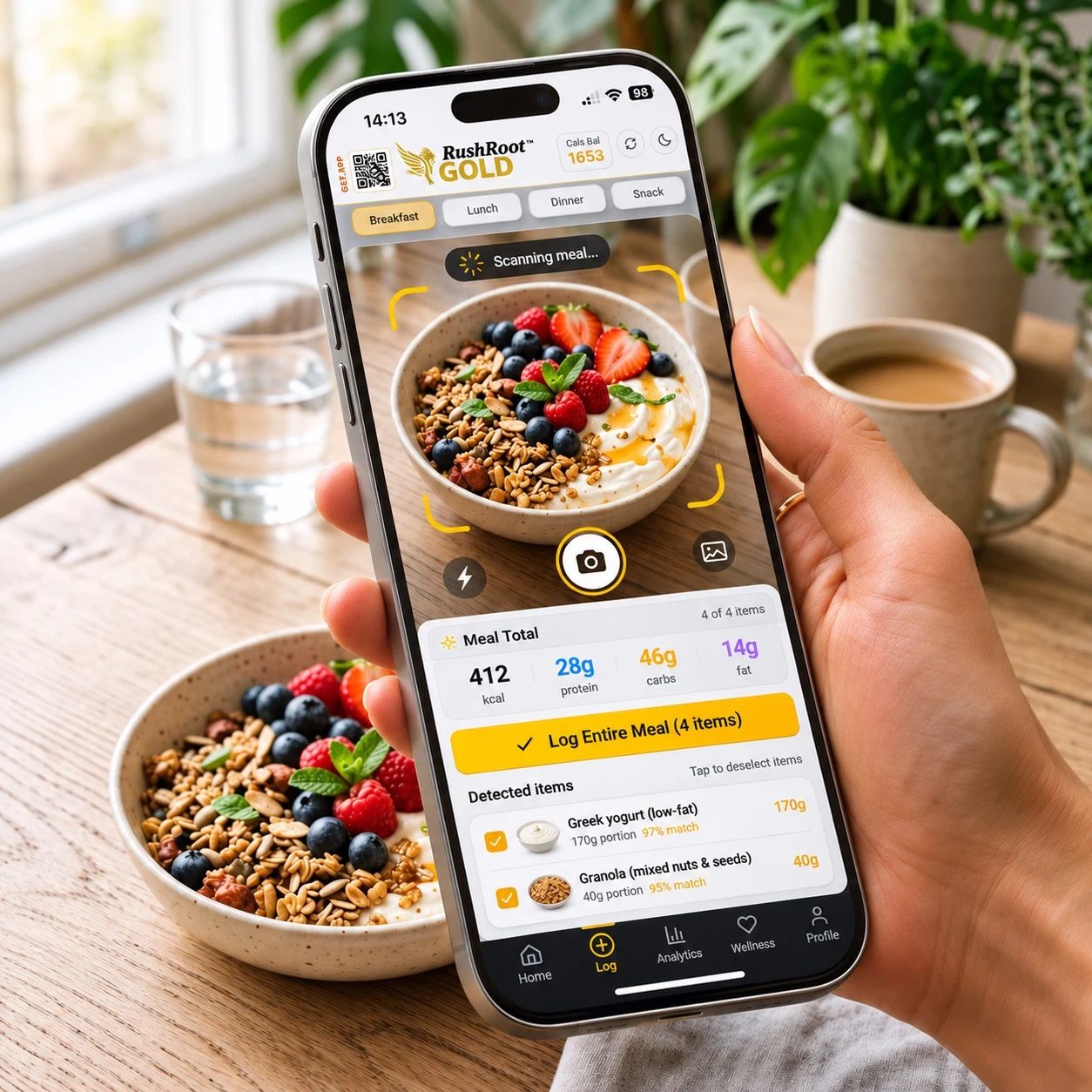
An all-in-one nutrition, fitness and guided wellness web app. Scan a plate, then adjust each food's portion independently—not just the whole meal. Individual control for professionals who need to review each item.
Developed and owned by RushRoot Health Products USA. Made in the USA.
Inside the app
Photograph a plate and the scanner lists each detected food with its own portion control. Change one item without touching the rest, then log the meal. Your daily totals update on the dashboard.
Each detected food has its own portion setting, useful when a professional reviews a client's plate.
Calories, macros, water and mood together in one daily view.
Switch themes to suit the room, the hour or your eyes.
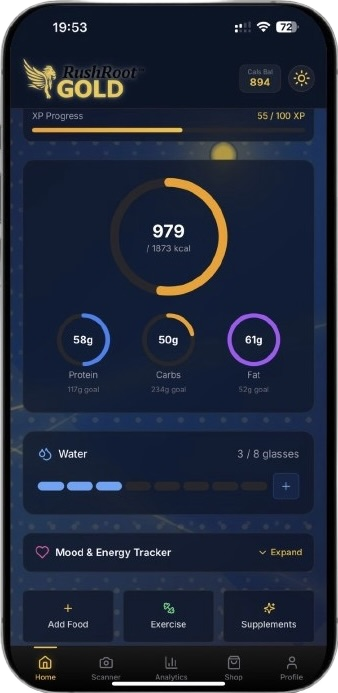
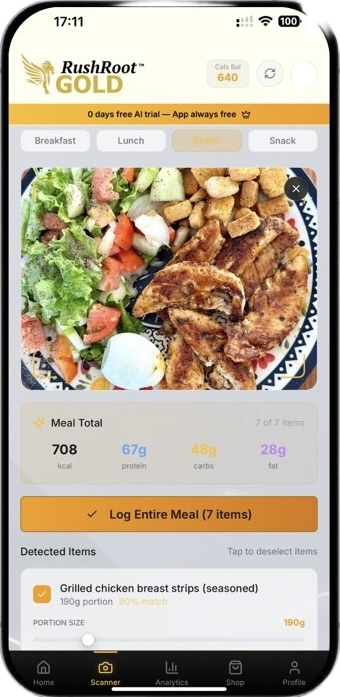
Actual app screens. Nutrition values shown are examples, not live data, and AI recognition gives estimates you can review.
In App Wellness Studio
Short sessions with illustrated poses, timers and breathing cues. Especially enjoyable on a tablet or desktop screen.
Examples include
Why a web app
The app is a Progressive Web App, built in the USA. It runs in your browser on phone, tablet and desktop, with no app-store download.
Yes. Review the foods identified in the scan and adjust each item's portion independently, rather than changing the whole meal at once. Use the 1–1000 g slider with +5 g and +25 g fine-tuning. This item-by-item control is especially useful for professionals reviewing a meal. AI recognition and nutrition values remain estimates.
Take a photo, scan a barcode or label, speak your meal, or log it manually. Entries are grouped into breakfast, lunch, dinner and snacks.
No. AI recognition and calories-burned figures are estimates. Review each entry and adjust the portion with the slider or the +5 g and +25 g controls.
Twelve guided routines across Yoga, Tai Chi, Breathing and Stretching, each 5 to 20 minutes, with illustrated poses, timers and breathing cues.
It runs in modern browsers on phones, tablets and computers. Where supported, you can add it to your home screen. Selected core content can be available offline, but AI scanning, reports and other server features need a connection.
Scores, suggestions and estimates are general wellness information, not medical advice or a recommendation from a health professional. Some features may depend on your plan; see the app for current details.
The AIReady image is illustrative; the RushRoot GOLD product and app photos were provided by the owner.